Prerequisites
-
Unlocking the bootloader will wipe all data on the phone. If the device has already been in use, back up your data first.
-
The device security patch level must be earlier than
2026-02-01.
Path to check:
Settings -> My device -> All specs and info

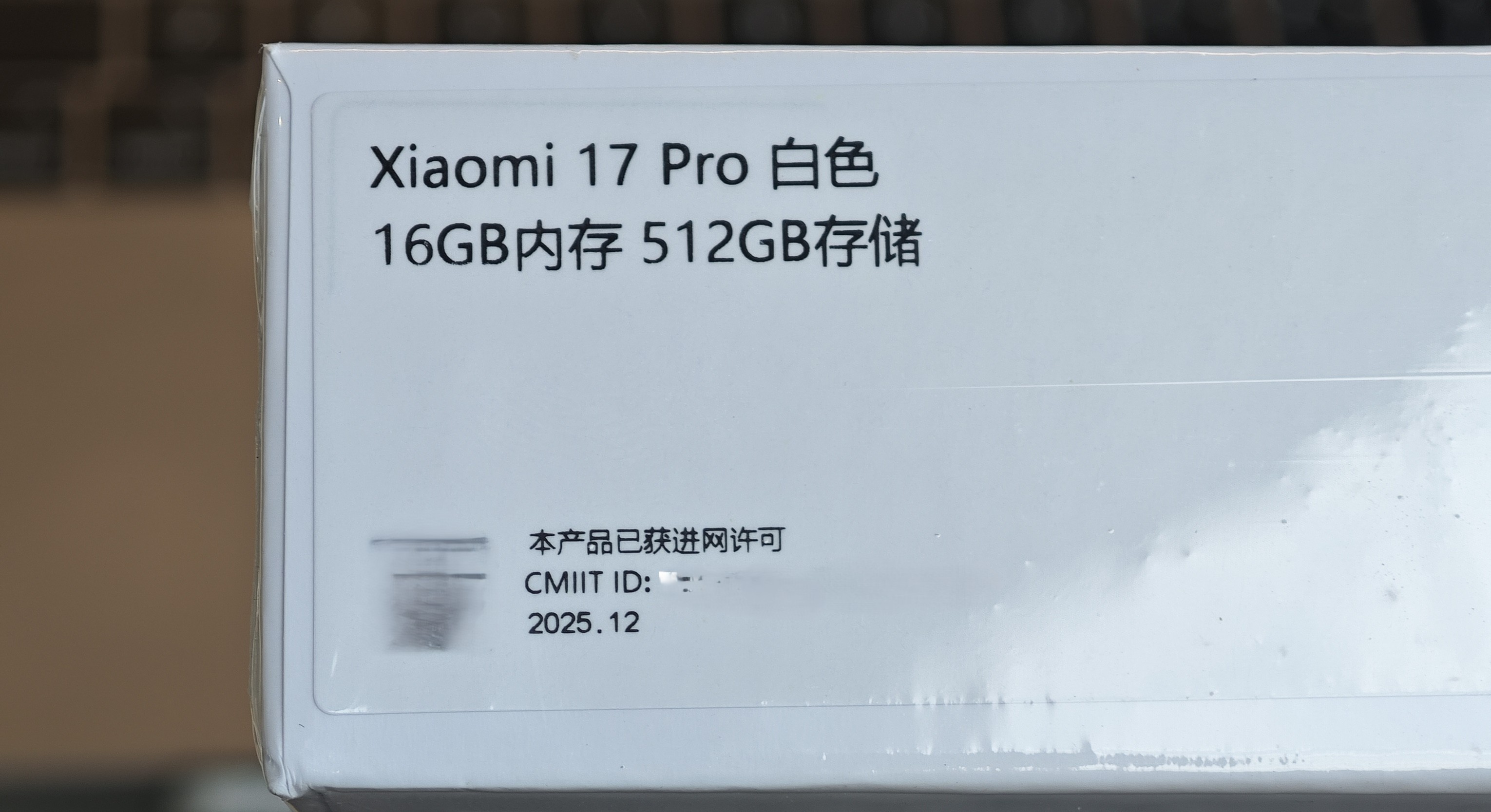
The date on my phone box is 2025.12, so it is very likely eligible.
Unlock the bootloader
On the phone:
Settings->My device->All specs and info-> tapOS version5 times to enable Developer mode- Go back to Settings, search for
Developer options, and open it- Enable
OEM unlocking - Enable
USB debugging
- Enable
- Connect the phone to your computer, then tap
Allowwhen theAllow USB debuggingprompt appears
On a Windows PC:
Download and extract: 小米骁龙8E5一键解锁BL.zip
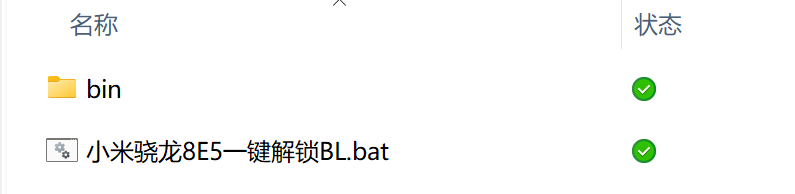
Double-click 小米骁龙8E5一键解锁BL.bat, then press Enter to continue and wait for the script to finish.
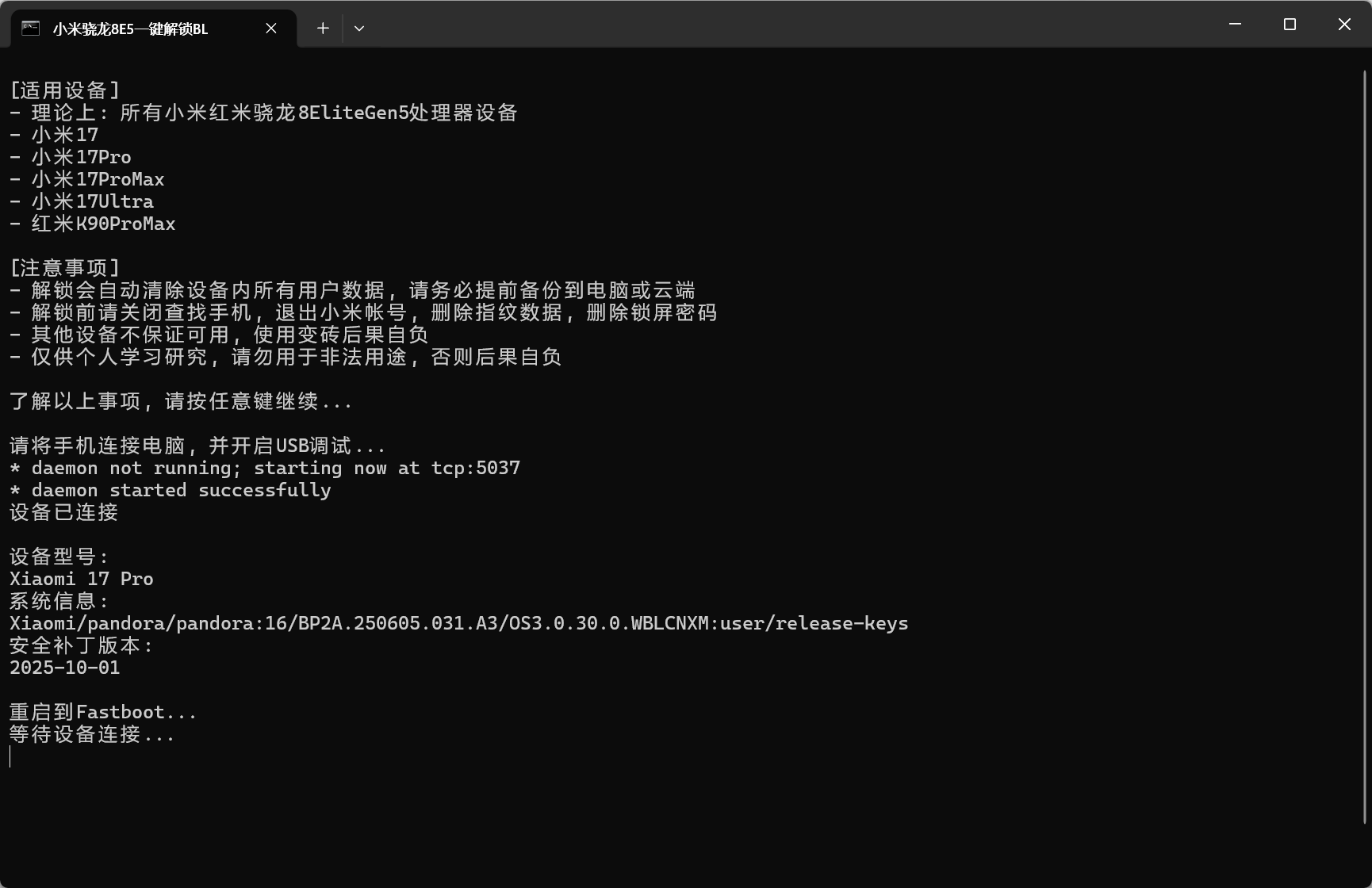
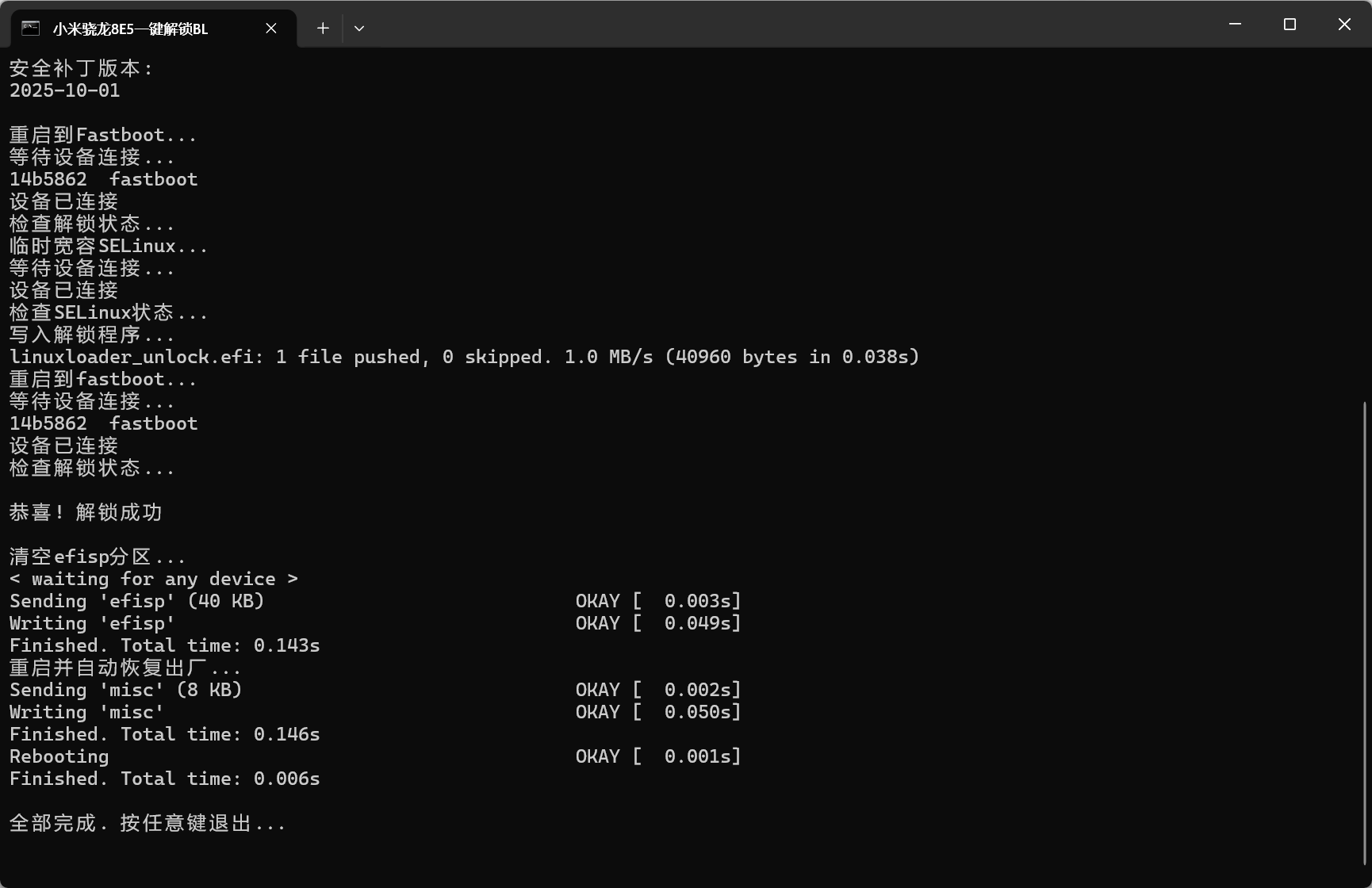
The phone will now reboot and erase all data. Wait patiently. If you see an unlocked padlock icon on the boot screen, the unlock was successful. After entering the system, you can also confirm it in:
Settings -> Additional settings -> Developer options -> Mi Unlock status
ROOT
To be continued.