1. Remove the Original Card
First remove the two screws that hold the wireless card to the motherboard, then you can pull it out directly. The stock card model is 3168NGW.
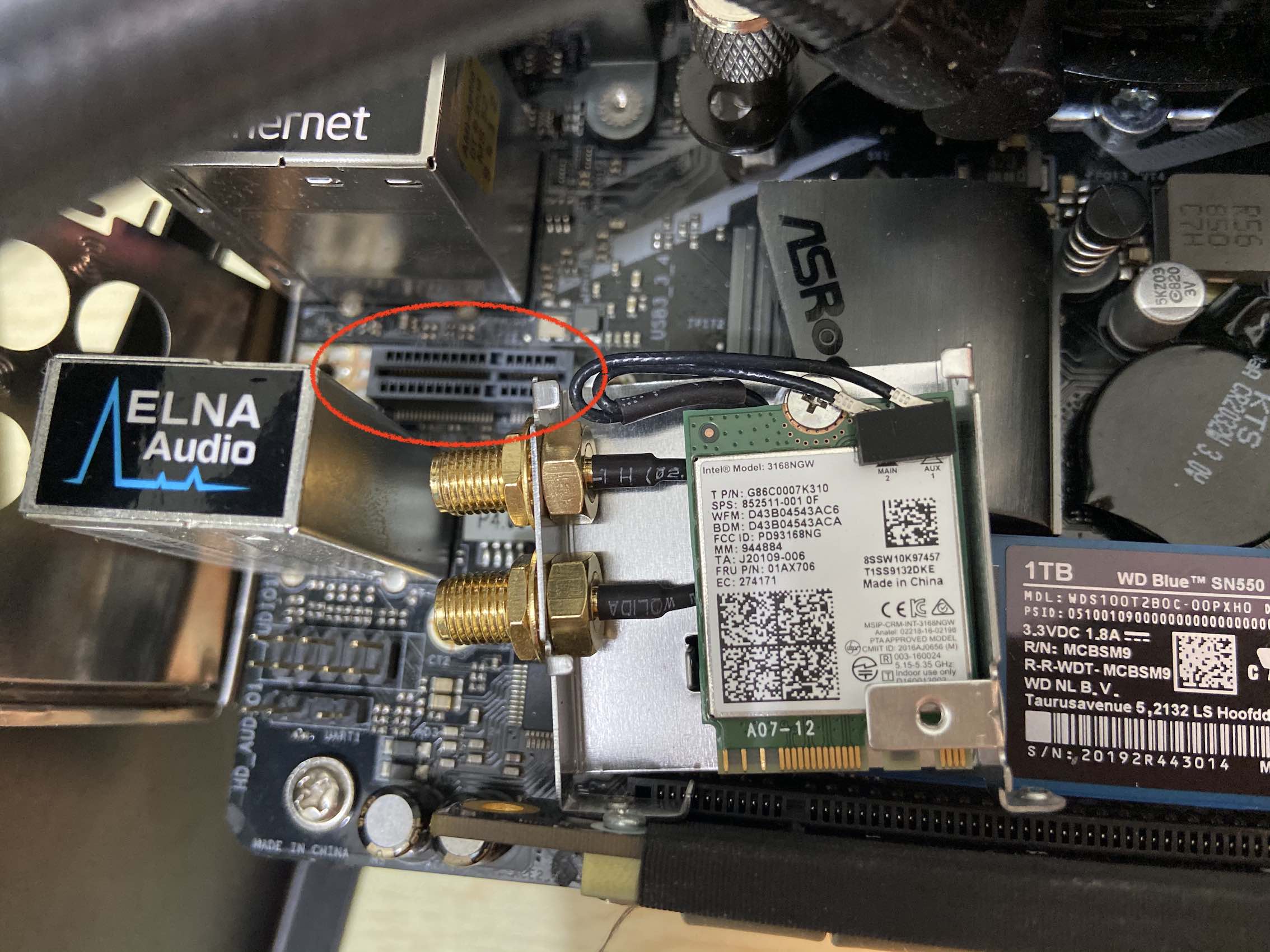
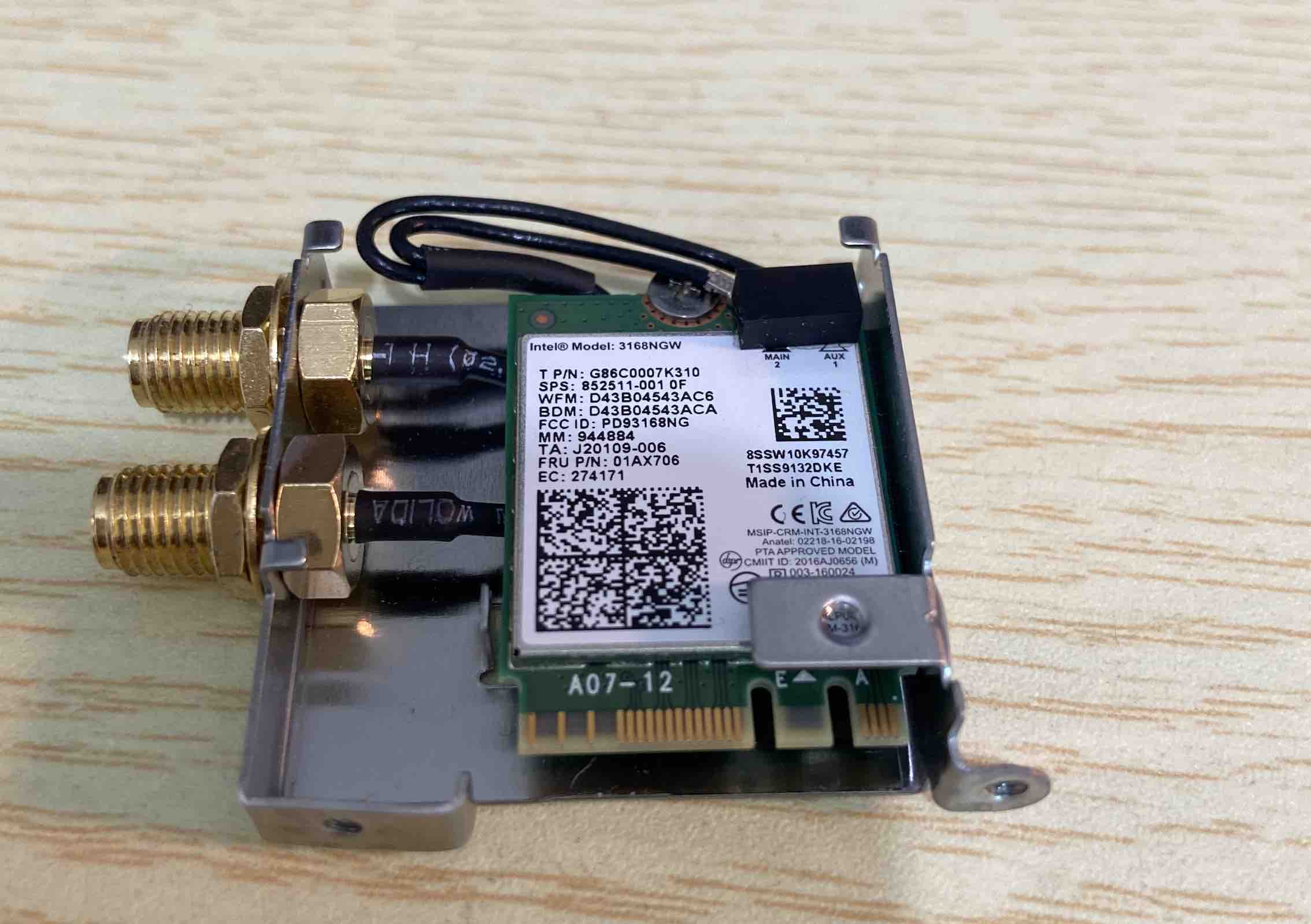
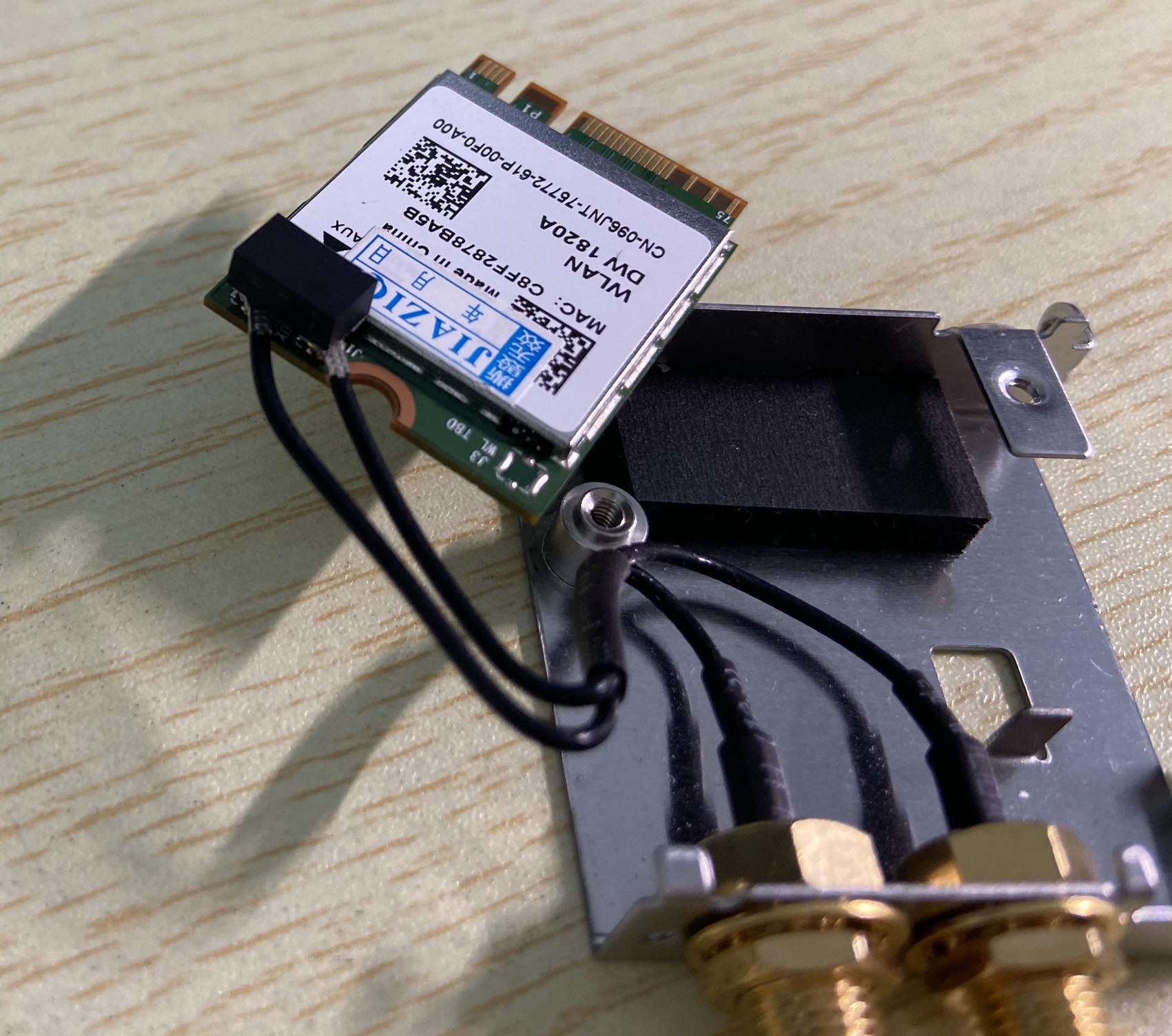
Then peel off the black foam pad and disconnect the two antenna cables attached to the Wi-Fi card.
2. Install the New Card
The replacement card I used was a DW1820A.
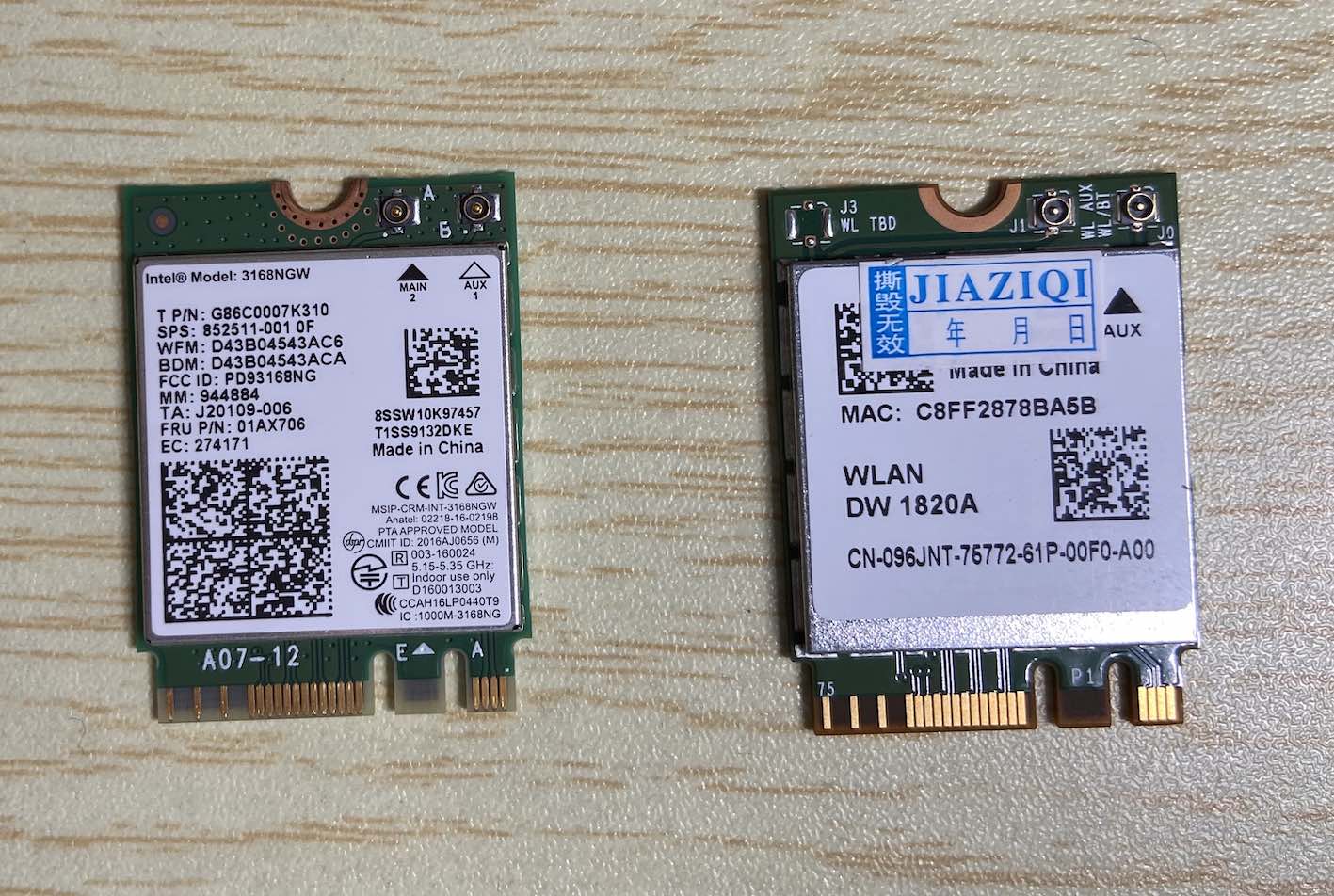
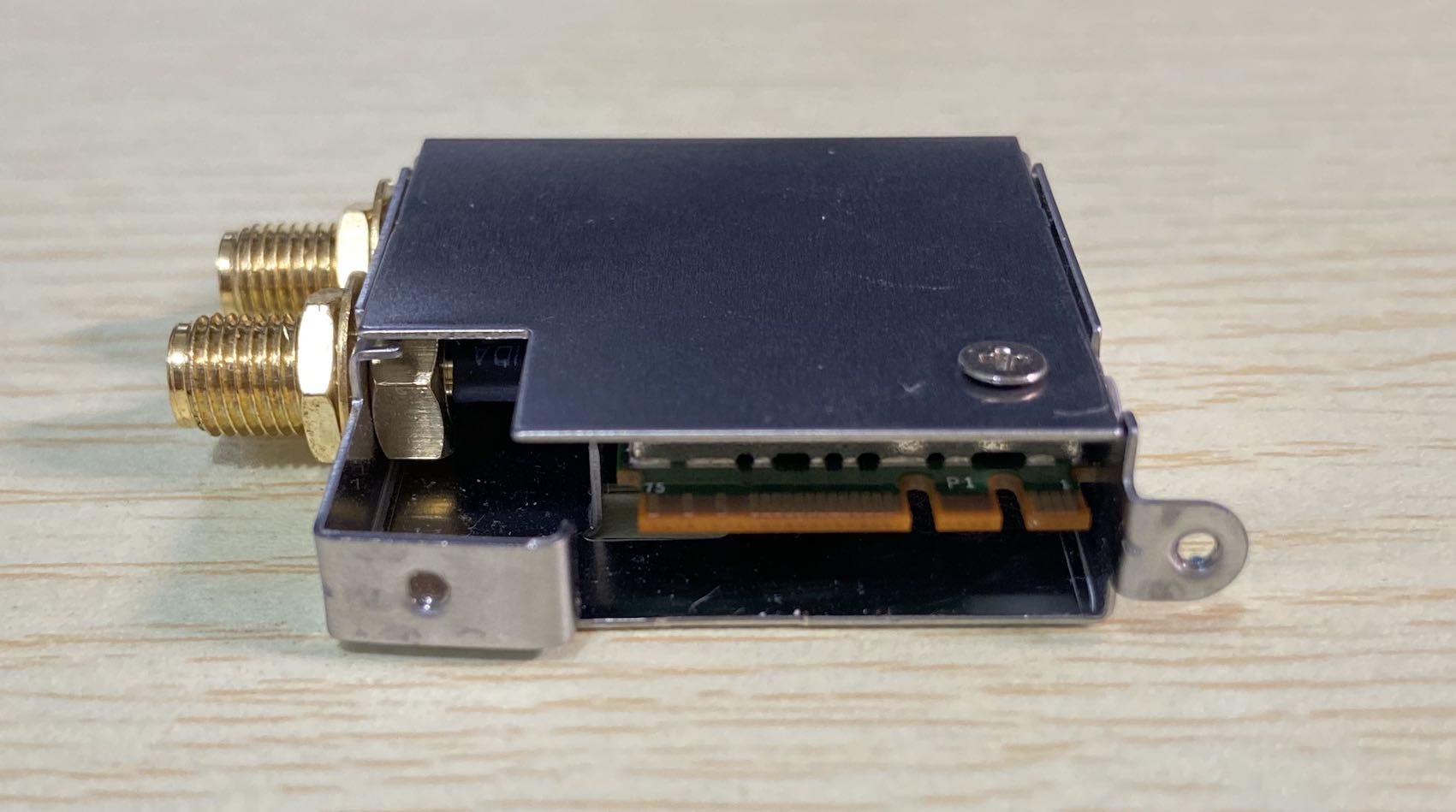
Disconnect the cable between the card and the chassis, swap in the new card, and secure it.
3. Replace the EFI
For the EFI replacement, you can refer to the following article. It also includes a separate Bluetooth driver download for the DW1820A.
ASRock B365M-ITX/ac macOS Catalina Hackintosh with both OC and Clover versions
4. Quick Testing
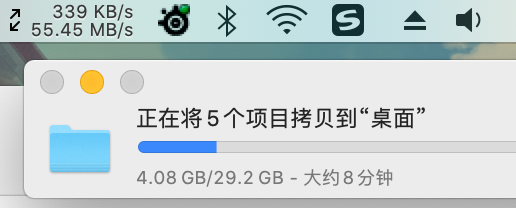
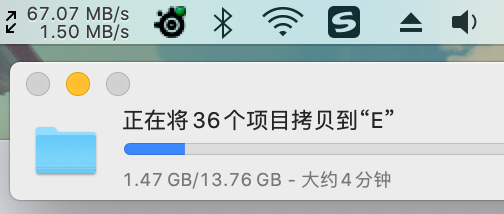
Wi-Fi throughput between the computer and the NAS:
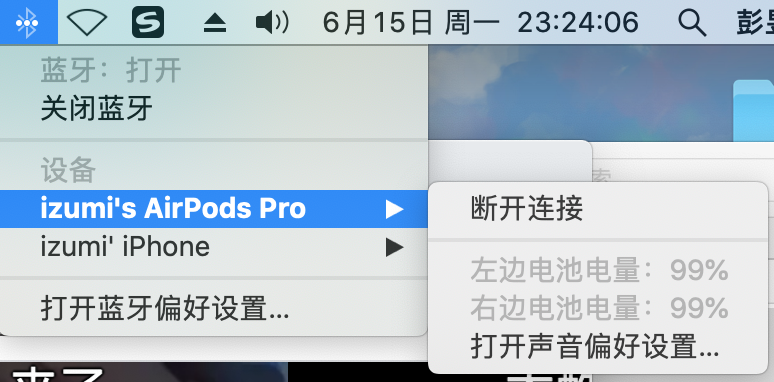
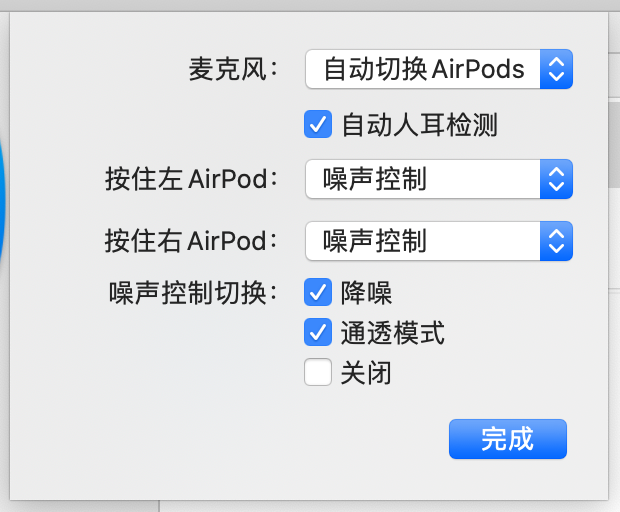
Bluetooth also supports AirPods Pro noise-control switching, and the connection has been quite stable.