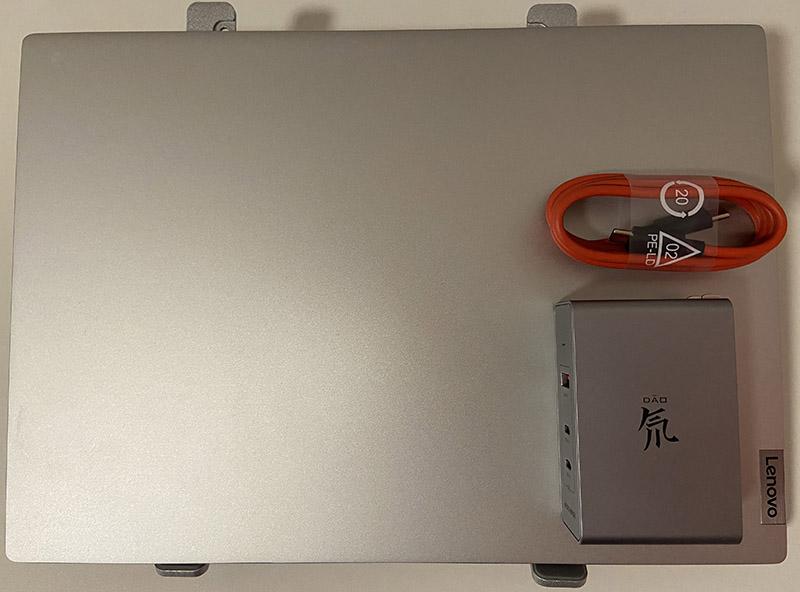
I recently bought a Ryzen-based Xiaoxin Pro 14. For a thin-and-light laptop, carrying around the large stock charger is obviously not ideal.
However, after buying a 65 W GaN charger, I found that the laptop would not run at full power. It topped out at only around 45 W, so I decided to do a simple comparison as a buying reference.
This test uses Nubia’s 65 W and 100 W GaN chargers.
Quick Test
Using Cinebench in Extreme Performance mode, I ran both single-core and multi-core tests and watched the CPU frequency and whole-system power draw to estimate how much the charger affected performance.
Single-Core
| 65 W GaN | 100 W GaN | Stock charger | |
|---|---|---|---|
| CPU frequency | 4.29 GHz | 4.29 GHz | 4.29 GHz |
| Total system power | 32 W | 32.8 W | 31.3 W |
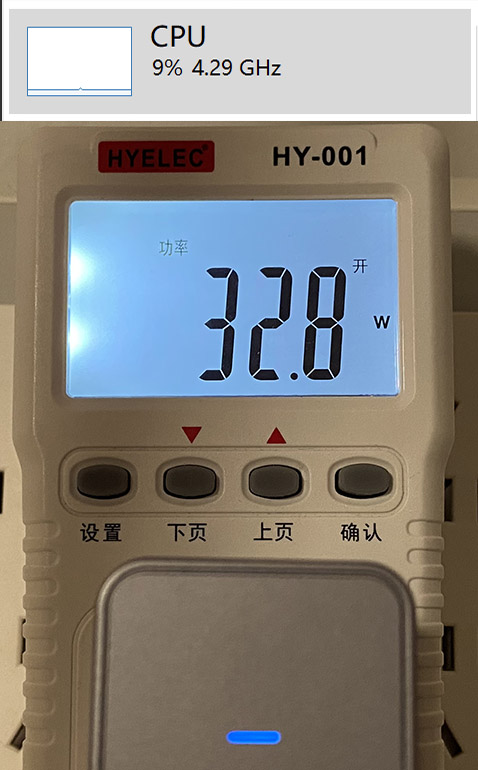
As you can see, there is basically no difference among the three chargers in single-core workloads.
Multi-Core
| 65 W GaN | 100 W GaN | Stock charger | |
|---|---|---|---|
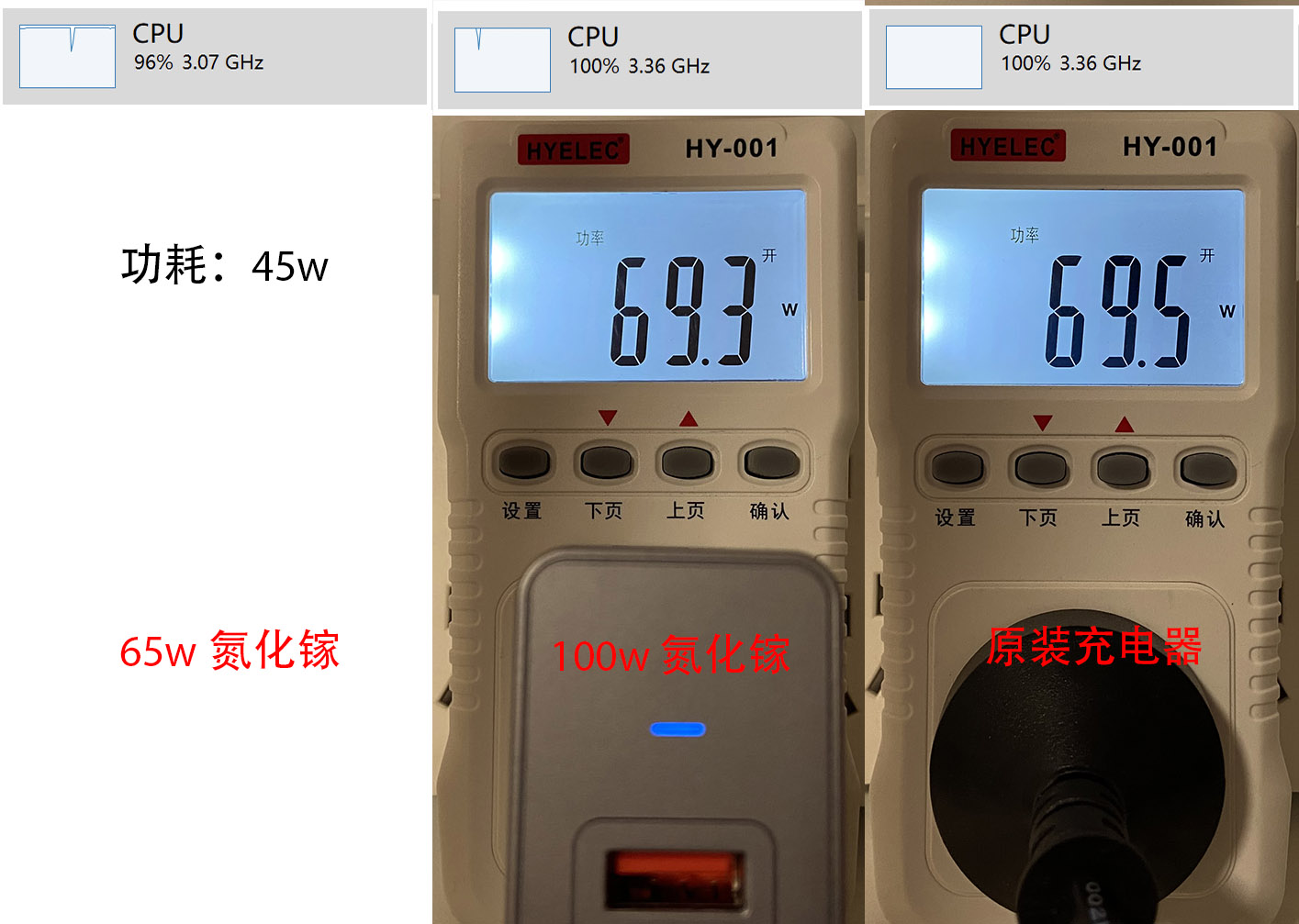
| CPU frequency | 3.07 GHz | 3.38 GHz | 3.38 GHz |
| CPU temperature | – | 89℃ | 89℃ |
| CPU package power | 35 W | 44.9 W | 44.9 W |
| Total system power | 45 W | 69.5 W | 69.3 W |
| Cinebench R23 multi-core score | – | 11075 | 11028 |
Looking at the stock charger results, the Xiaoxin Pro 14 only draws around 70 W at full system load, so in theory a 65 W GaN charger should be close enough.
In practice, though, the 65 W charger could not sustain full load and the system power stayed around 45 W. I did not test GaN chargers from other brands, so if you know of a 65 W model that works perfectly, feel free to let me know.
The 100 W GaN charger, on the other hand, matched the stock charger almost exactly.
Conclusion
-
If you can find a 65 W GaN charger that truly supports full performance on this laptop, then 65 W should be enough.
-
If you mostly do light office work and want the smallest charger possible, 65 W is still a reasonable choice.
-
If the laptop often needs to run flat out, or you cannot tolerate any performance loss, go with a 100 W GaN charger.